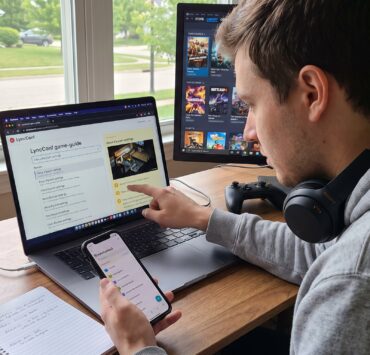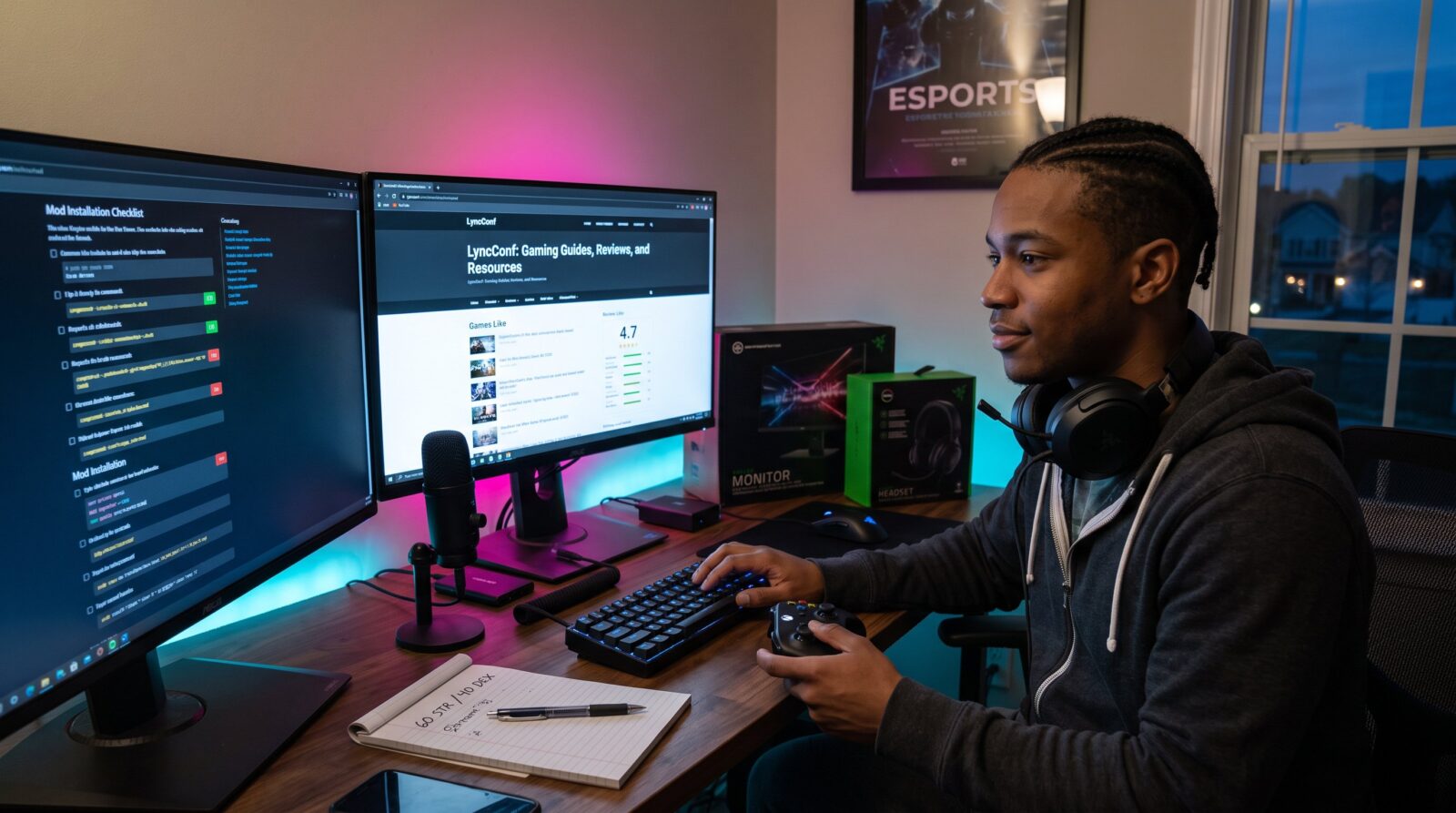

LyncConf: Gaming Guides, Reviews, and Resources launches readers into a focused hub for playable advice and tested recommendations. It helps players, modders, streamers, and hardware tinkerers find walkthroughs, gear testing, and safe mod practices without fluff. The site organizes content around discovery (Games Like lists), practical how-tos (console commands and settings), and evidence-based reviews. This introduction explains who benefits, how to navigate content, and why players return to LyncConf for clear, actionable gaming answers.
Key Takeaways
- LyncConf offers practical gaming guides and tested recommendations that help players quickly discover games, optimize settings, and troubleshoot with clear, actionable advice.
- The site’s gaming guides provide specific build stats, step-by-step walkthroughs, and measured performance targets tailored to various playstyles and hardware setups.
- In-depth reviews on LyncConf use consistent benchmarks and real-world tests to deliver reliable recommendations for game titles and gaming gear like monitors and headsets.
- Modding and console command tutorials on LyncConf include safety checks, exact installation steps, and compatibility notes to ensure secure and effective modifications.
- LyncConf maintains living resources such as patch summaries, community FAQs, and event guides, keeping content current and relevant for gamers and modders.
- Using LyncConf’s structured navigation and discovery tools reduces search time and helps players find targeted solutions to improve their gaming experience.
What LyncConf Covers: Who This Site Helps And How To Use It
LyncConf states its purpose up front: help casual players, competitive gamers, and modders solve concrete problems. Readers get discovery tools, technical walkthroughs, and community links to try new games and fixes. A newcomer can begin with short lists and comparison pieces, then follow step-by-step guides for installation or configuration.
Why this matters: a player who wants a quick game suggestion can use the site’s “Games Like” lists to find similar titles without wading through reviews. A hardware-focused reader finds tested monitor and headset advice tailored to FPS or streaming. For context and deeper reading, the hub links to a primer that explains the site’s scope and navigation. That primer explains what LyncConf houses and how readers should approach content for maximum value: site primer and overview.
Practical tip: treat LyncConf like a toolbox. Start with a discovery list, then pick the matching walkthrough or settings guide. The site’s structure reduces time spent searching: it surfaces the right article within two clicks for typical tasks.
Practical Game Guides: Walkthroughs, Builds, And Strategy Guides
LyncConf delivers concise, tactical guides that begin with the answer: clear steps, recommended builds, or an optimal route. For example, a boss walkthrough opens with the exact strategy that beats the encounter, then lists required gear, console commands, and a short troubleshooting checklist.
Each guide uses measurable details: recommended stats, build point allocations, framerate targets, and the exact console command lines players paste. A mid-tier RPG build will show precise numbers (e.g., 60 strength, 40 dex) and the expected damage increase. A live-action strategy guide includes likely failure modes and recovery moves.
The site also centralizes optimization advice. Readers looking to improve performance find explicit graphics presets and FPS goals tied to hardware classes. For broader setup and hardware alignment, LyncConf references its detailed setup guide to help match a build to a playstyle and device: ultimate setup guide.
Honest note: some builds assume access to DLC or paid expansions. Guides call out those dependencies up front, so a player knows whether a recommended approach requires extra purchases.
In-Depth Reviews And Recommendations: How We Test Games And Gear
Answer first: LyncConf tests games and gear using repeatable, platform-specific benchmarks and play sessions. Reviewers run standardized tests, monitor latency, headset frequency response checks, and controller input timing, then report numbers and user experience.
Test process details: gear gets a week of real-world use and a series of synthetic tests for consistency. Monitors are tested at native resolution, with HDR enabled when relevant, and with measured input lag. Headsets are judged on frequency response, mic clarity, and long-session comfort. Games receive separate scoring for narrative, mechanics, and performance on PC and consoles.
Readers see concrete metrics: measured input lag in milliseconds, framerate ranges at certain settings, and the length of battery life in hours. These figures back recommendations for specific use cases, such as “best monitor under $300 for 144Hz competitive play”.
To explore the publication’s structured reviews and community-angle coverage, readers can consult the editorial hub that highlights competitive play and connection with other gamers: competitive hub overview.
A candid admission: hardware samples vary. LyncConf records serial and firmware versions where relevant and notes when results differ across units to help readers calibrate expectations.
Tools, Settings, Mods, And Console Commands You’ll Actually Use
Start with the practical answer: LyncConf supplies exact commands, mod-install steps, and recommended settings so readers can copy and paste or follow a short checklist. A troubleshooting article opens with the one command or change that fixes the majority of reports.
Mod guidance is concrete. Each mod tutorial lists required dependencies, compatibility notes, and the precise install order that avoided conflicts in the tester’s environment. The article provides checksum or file-size checks where flagship mod hosts are referenced to reduce risk.
Configuration pages deliver sensory details: which slider to move, how the image should look after the change, and the expected FPS gain. For example, switching a shadow preset from ultra to high may recover 12–18 FPS on mid-range GPUs, LyncConf includes these measured ranges.
For users hosting remote sessions or virtual game nights, the site connects to practical how-to content that details hosting steps and network notes: virtual hosting guide. That piece contains stepwise commands, port hints, and common pitfalls.
Warning: modding carries risk. Tutorials include safety checks, backup steps, and recommended external hosts to avoid malicious files.

Resources, Community Features, And Ongoing Coverage
Immediate fact: LyncConf maintains living resources, FAQs, nightly patch summaries, and curated community lists, that update with new patches and trending topics. Readers can find a community FAQ answering safety for modding and steps to verify downloads.
The site’s ongoing coverage tracks esports, AI in gaming, and security issues with short explainers and linked deep dives. When a major patch drops, a patch-note summary highlights the three changes that most affect gameplay and gives quick remediation tips for common regressions.
Community features include comment threads, curated user mods, and event roundups. For conference and community event context, LyncConf publishes an annual conference guide that helps developers and players plan and network: conference guide.
Practical link: readers who want to learn how to find specific guides will benefit from a short navigator piece that explains search terms, tags, and filters used across the site: guide finder. Those instructions save time and reduce frustration.
Caveat: community content varies in quality. LyncConf flags community submissions and verifies top contributions before featuring them.
Conclusion: How To Get The Most From LyncConf’s Gaming Coverage
Use LyncConf as a layered resource: discover with Games Like lists, fix with mod and settings pages, and choose hardware from measured reviews. Readers who follow the site’s navigation tips find relevant articles faster and reduce trial-and-error time.
Actionable next step: bookmark the hub, follow the walkthroughs, and consult setup pages when upgrading gear. For deeper reading on browsing reviews, the site provides a focused how-to that explains rating criteria and tags: review browsing help.
Final perspective: LyncConf blends tested numbers, clear commands, and community insight so readers spend more time playing and less time troubleshooting.