



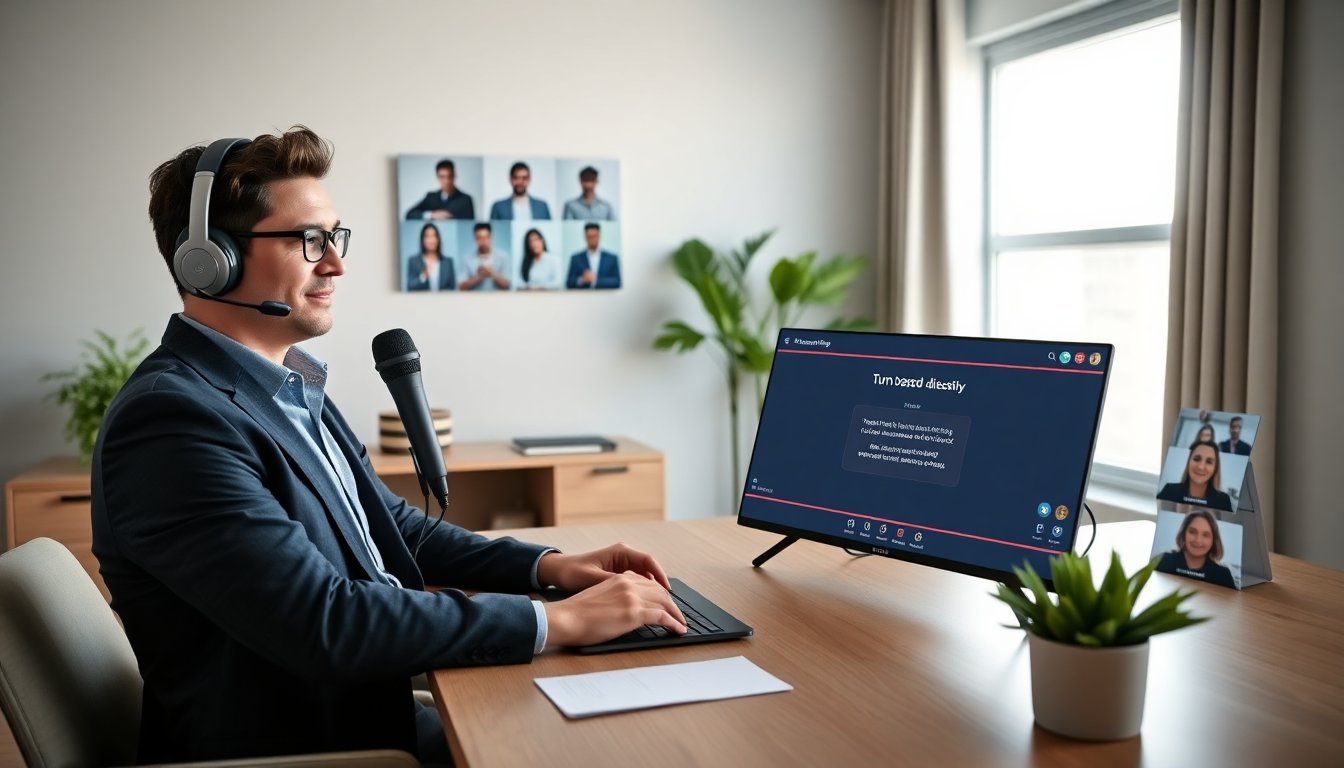

Games lyncconf helps teams play together over Microsoft Lync. The host schedules a meeting, invites players, and shares content. This guide shows when to use lync conf gaming, what gear to pick, and how to run smooth sessions. It also covers game formats, engagement tips, and basic security. Readers will learn practical steps they can apply in one session.
Key Takeaways
- Lync conf gaming enables team bonding by hosting turn-based, low-latency games via Microsoft Lync meetings, ideal for remote socials and onboarding.
- Hosts should use a stable PC, clear audio-video gear, and a strong network with at least 5 Mbps upload to ensure smooth Lync conf gaming sessions.
- Appropriate game choices include trivia, card, word, board, puzzle, and party games that rely on shared visuals and low audio sync.
- Effective engagement involves clear rules, timed rounds, chat moderation, and accessibility features like captions and alternate input methods.
- For security, hosts should use authenticated meeting entries, lock sessions after joining, mute noisy participants, and update client software regularly.
- Troubleshooting tips include pre-meeting setup checks, testing screen share/audio, and having a checklist for quick fixes during gameplay.
What Lync Conf Gaming Is And When To Use It
Lync conf gaming means running a group game inside a Microsoft Lync meeting. The host uses Lync audio, video, and screen share to deliver gameplay. Teams use lync conf gaming for remote socials, onboarding, and light team building. A manager can pick lync conf gaming when players need low setup and cross-platform access. It fits short sessions and mixed device groups. It does not fit high-frame-rate competitive play or titles that need direct input from each player.
Hardware, Software, And Network Setup For Smooth Gameplay
The host needs a stable PC, a clear microphone, and a decent camera. Players need headphones to avoid echo. The host should run the latest Microsoft Lync client. The host should test screen share and audio before the session. The network should offer at least 5 Mbps upload for the host and 2 Mbps for players. The host should close background apps that use bandwidth. The host can use a wired Ethernet link to reduce lag. The host should enable Lync updates and check firewall rules that block screen share. The host can record a short test meeting to confirm performance.
Game Formats That Work Best Over Lync
Lync conf gaming works best for turn-based and tabletop games. Simple party games also work well. The host should prefer games that need little audio sync and that use shared visuals. Trivia and card games rely on shared screens and chat. The host can adapt analog games with a shared board image. The host should avoid fast-action shooters that need low latency. The host should pick games that support mixed input and that let one screen act as the board.
Recommended Game Types And Examples
Trivia games work well. The host can use quiz platforms or slide decks for questions. Card games work well. The host can share a digital table and pass turns by chat. Word games work well. The host can use shared documents to track answers. Board games work well. The host can show a board image and move pieces by annotation or chat. Cooperative puzzle games work well. The host can share a puzzle image and let players call moves. Party games work well. The host can use simple browser games that players join on their own devices. These examples suit lync conf gaming and keep setup low.

Best Practices For Engagement, Moderation, And Accessibility
The host should set clear rules and a visible agenda. The host should name rounds and set timers. The host should assign a moderator to manage chat and raise hands. The host should use breakout rooms for small teams if Lync supports them. The host should caption audio for accessibility and share a text version of rules. The host should offer alternate input methods, such as chat or polls, for players who cannot speak. The host should rotate roles so each player gets a turn to lead. The host should pause often for questions and check audio for each player.
Troubleshooting, Security, And Privacy Tips For Hosts
The host should verify meeting settings before inviting players. The host should require meeting entry from authenticated accounts when possible. The host should lock the meeting after all players join to stop drop-ins. The host should mute noisy participants and allow quick unmute for turns. The host should avoid sharing sensitive files during lync conf gaming. The host should use virtual backgrounds to hide personal spaces. The host should update client software to patch known vulnerabilities. The host should keep a checklist for common fixes: check audio device, restart screen share, rejoin the meeting, or switch to phone audio. The host should inform players about recording and get consent when the host records a session.