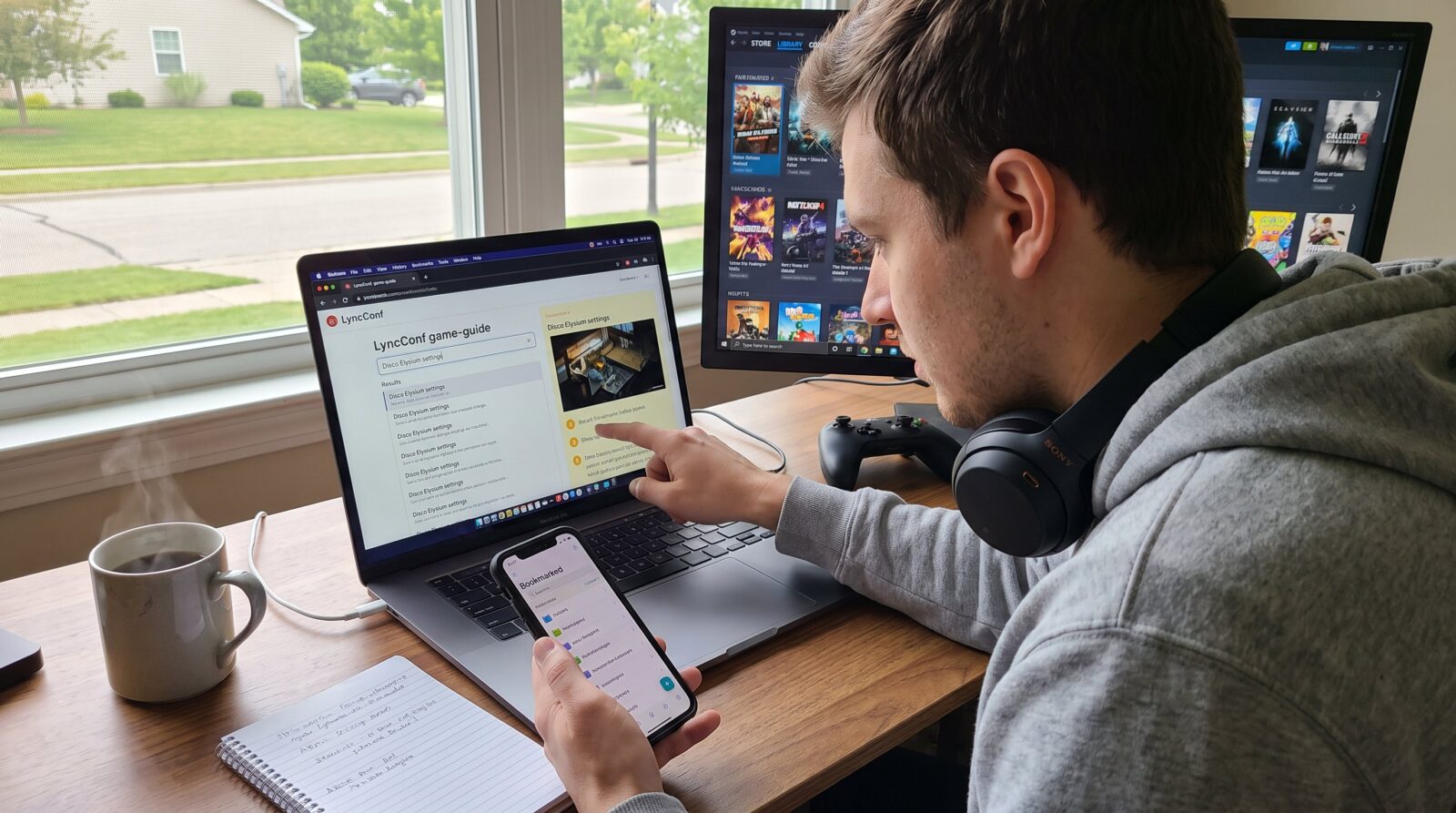

How to Find Game Guides on LyncConf begins with a clear search strategy and a few site habits. Readers who arrive with a specific goal, installing a mod, tuning graphics, or finding alternatives, save time by using exact titles and qualifiers. This guide explains where to start on LyncConf, which sections most often hold deep, practical guides, and how to judge whether a page will answer a concrete question. It prepares readers to move from discovery to action in minutes, not hours.
Key Takeaways
- LyncConf is a curated platform ideal for finding reliable game guides focused on mod installation, performance tuning, and troubleshooting steps.
- Use exact game titles combined with qualifiers like platform or mod to quickly locate precise guides on LyncConf.
- Browse category pages and follow related tags or links to discover clustered, practical guides efficiently.
- Evaluate guides by checking for platform-specific details, step-by-step instructions, screenshots, and credible external links.
- Bookmark relevant LyncConf categories to build a personalized, fast-access resource library for future gaming needs.
- Avoid vague guides lacking concrete steps or safety verification to ensure effective and secure mod or performance guidance.
Why Use LyncConf For Game Guides
LyncConf works as a curated hub rather than a raw search index. That fact matters: readers who want vetted mod instructions, platform-specific tweaks, or quick alternatives find fewer dead ends on LyncConf than on forum search results.
Practical strength: LyncConf focuses on applied topics such as safe mod installation, performance tuning, and troubleshooting steps. If a gamer needs a step-by-step fix, say, resetting controller bindings after a patch, LyncConf often publishes a focused walkthrough with screenshots and exact menu paths. The site also maintains “games like” lists that surface playable alternatives by genre, mood, or mechanics, which helps a player who liked a 2018 indie title but wants something newer.
Credibility and curation come from editorial grouping. Editors group content into category pages and themed archives so a single browse session can reveal multiple relevant guides. For example, a player hunting for optimization tips for a mid-range PC will find grouped articles under PC optimization categories and related deep dives.
Audience fit: LyncConf suits players who prefer clear, actionable steps and curated recommendations rather than raw community threads. It also helps discoverability: the site’s internal tagging and related-post links guide readers from a niche install guide to broader setup or hardware articles without leaving the LyncConf ecosystem.
Concrete example: someone wanting the best Steam Deck performance settings for a deck-building roguelike will often find a short setup guide, a performance tuning post, and a “games like” suggestion list grouped nearby, saving the user multiple searches.
How To Search LyncConf Effectively
Answer first: Use exact game titles plus a narrow descriptor, and then follow tags and category pages. That method returns higher-quality guides faster.
Start precise. Type the exact game title and one descriptor: “Disco Elysium settings” or “Baldur’s Gate 3 mod installation.” Exact titles reduce unrelated results and push dedicated guides to the top. When a title is common, add platform or year: “Hades Switch 2026” narrows to the most relevant posts.
Use qualifiers. Add single-word qualifiers such as mod, settings, console, alternatives, or troubleshooting. Those qualifiers are the difference between a listicle and a step-by-step guide. For example: “game title + mod install” will prioritize hands-on tutorials over opinion pieces.
Leverage phrase search. When a title includes punctuation or common words, wrap the phrase in quotes if the site search supports it. Quoted phrases force exact matches and reduce noise.
Browse category pages next. If search returns too many general results, open the relevant category or themed archive. Category pages gather related guides (setup, mods, troubleshooting) so a reader finds clusters of practical posts in one place.
Follow related-links and tags. On an article page, the tag strip and “related posts” links often lead to companion pieces: performance tuning, controller mapping, or official store links. These in-page paths save repeated searches.
When to use broader search. If an exact search yields nothing, switch to mechanic or mood terms (roguelike, cozy, deck-building) combined with platform. This surfaces “games like” lists and discovery pieces.
Practical tip: bookmark LyncConf category pages that match your platform or play style. Over time, the bookmarks become a fast pipeline to new, relevant guides.
Related resources on the site include an entry that gathers core guides and reviews: readers can move from a single how-to into a fuller resource hub via the site’s central collection on gaming resources. Also, readers who need setup checklists can compare hardware and setup advice from the site’s ultimate setup guide.
Evaluating The Quality And Relevance Of Guides On LyncConf
Answer first: Prefer guides that match the reader’s exact platform and stated goal, show concrete steps, and link to supporting pages. Those signals indicate a guide will work in practice.

Check matching signals. The title and the opening paragraph should clearly state the game title, platform, and the guide’s goal (install, optimize, mod, or alternatives). A mismatch, for instance, a PC guide that references console menus, indicates a likely problem. Readers should scan the first 60–120 words to confirm alignment.
Look for step markers. High-value guides include numbered steps, screenshots, or exact menu paths. These details reduce guesswork. If a guide claims to fix a performance problem, it should show expected before-and-after metrics or at least precise settings (frame cap, resolution, shader quality).
Assess sourcing and links. Quality guides provide links to related LyncConf articles, official pages, or downloadable assets. When setup instructions reference an external tool or patch, the article should link to the official source or a trusted resource. For platform-specific optimization, readers can compare the article against LyncConf’s PC optimization collection at PC tips and guides.
Differentiate content types. LyncConf publishes three main guide forms: practical how-to (step-by-step), recommendation lists (games like, alternatives), and general overviews (news, trends). Each serves different needs. A practical how-to will solve a problem directly: a recommendation list helps discovery.
Use tags and related posts. Tags show topical focus: related posts often reveal companion guides like controller mapping or mod safety. If a guide lacks related links, it may be a freestanding opinion piece rather than a practical tutorial.
Warning signs. Avoid guides that lack platform detail, show vague instructions (“adjust settings for best performance”), or point only to third-party downloads without verifying safety. Those are riskier for mod installs.
One practical test: follow the first three steps in the guide. If they produce expected changes or progress, the rest of the article is likely reliable. If the first steps are vague, move on to another LyncConf post or a category page such as the site’s hub for community and competitive play at community hub.
Conclusion
LyncConf functions best as a curated discovery and how-to site for mods, performance tuning, and alternative game suggestions. Using precise searches, platform qualifiers, and quick quality checks gets readers to usable guides faster. They should rely on clustered category pages and related links to move from one focused tutorial to broader resources.