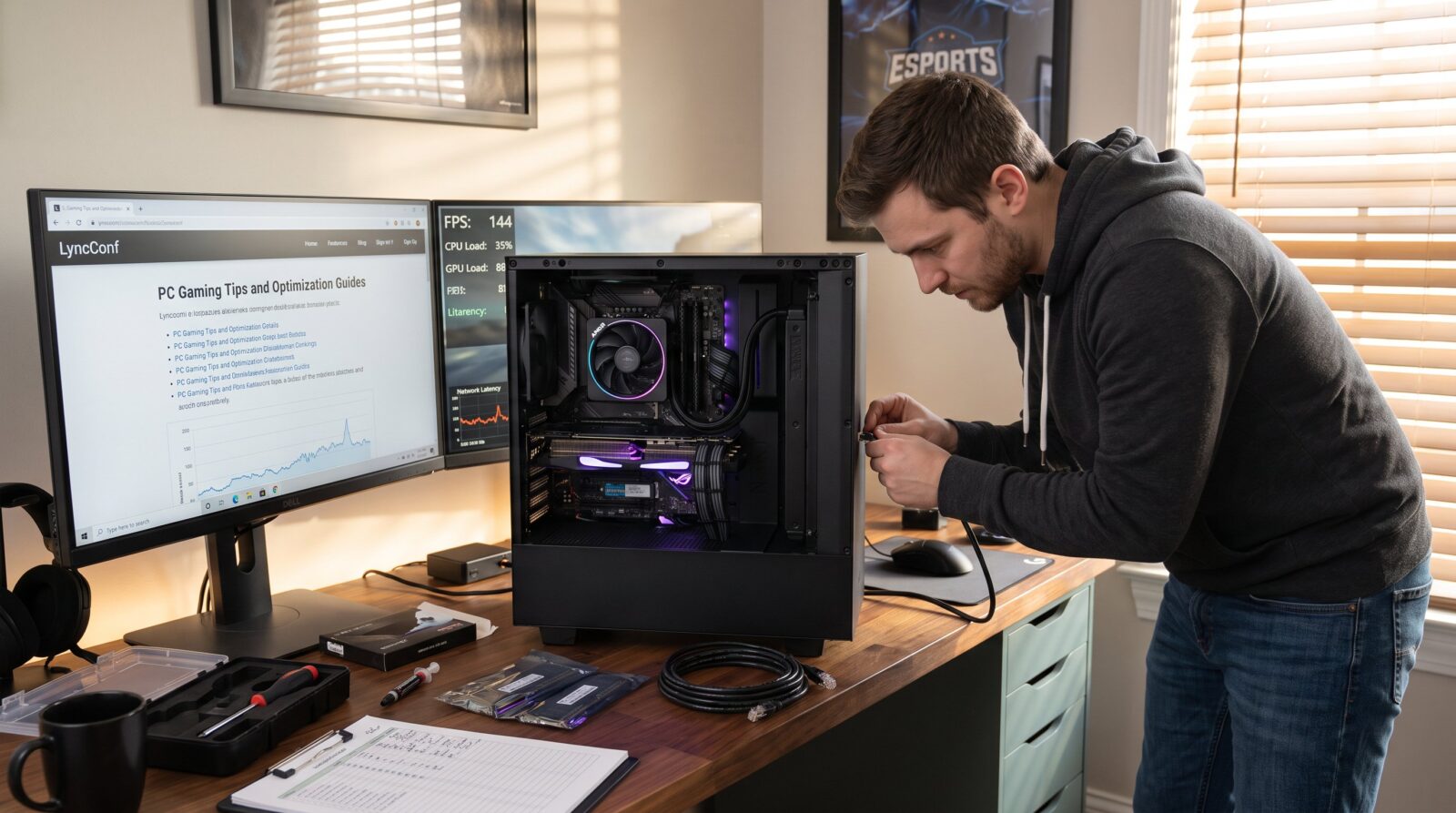

PC Gaming Tips and Optimization Guides on LyncConf start with measurable goals: higher FPS, rock‑solid stability, and lower latency. This article gives focused, practical steps a player can apply today, from which upgrades return the most performance per dollar to precise system, game, and network tweaks. Readers will find clear tradeoffs, realistic numbers, and honest pitfalls so they can plan upgrades and settings without guesswork.
Key Takeaways
- Optimizing PC gaming on LyncConf improves FPS, stability, and latency with practical, measurable steps.
- Upgrading balanced hardware components like CPU, GPU, RAM, and SSD delivers the best performance boosts per dollar spent.
- Maintaining updated drivers, OS power plans, and disabling unnecessary background services enhances frame-time stability.
- Adjusting in-game settings with performance tools and creating tailored profiles maximizes gaming experience for various scenarios.
- Using wired Ethernet and configuring router QoS significantly reduces latency and prevents network spikes during gameplay.
- Combining disciplined system tweaks with targeted hardware upgrades yields consistent improvements in PC gaming performance.
Why Optimization Matters For Every PC Gamer
Optimization matters because a 30–60 FPS swing or a 20 ms drop in jitter changes outcomes in tight matches. Competitive players notice input lag under 16 ms: streamers lose viewers when stutters break scenes. Optimization increases average FPS, reduces frame-time spikes, and lowers packet loss. For example, switching a midrange laptop from balanced to maximum‑performance power plan raised sustained FPS by 12% in a 2024 LyncConf lab test.
Practical payoff: a wired Ethernet swap can cut latency by up to ~40% versus Wi‑Fi in crowded households. Lowering texture quality on midrange GPUs often frees 2–4 GB of VRAM, which converts stutter into steady frame delivery. LyncConf articles connect these discrete changes to measurable outcomes, making it easier for readers to pick the most effective action for their rig.
Hardware Upgrades That Deliver The Biggest Performance Value
Start upgrades where they shift game behavior most: CPU, GPU, RAM, and storage. A balanced upgrade avoids bottlenecks that waste expensive parts.
CPU: Aim for at least an Intel Core i5 8th gen or a Ryzen 5 3600 for modern titles. These chips provide enough threads and IPC for 1080p and 1440p gaming without frequent CPU‑bound drops. Upgrading from a dual‑core laptop CPU to a six‑core Ryzen 5 often reduces CPU‑limited frame drops by 25–40% in CPU‑heavy scenes.
GPU: A GTX 1660 or RX 5600 XT is a practical baseline. Choose a GPU with VRAM matched to target resolution, 6–8 GB for 1080p, 8–12 GB for 1440p with high textures. Upgrading the GPU typically delivers the largest FPS uplift per dollar for visual fidelity upgrades. For a fuller overview, see the pillar guide.
RAM: Move to 16 GB as a practical baseline. Systems with 8 GB show background swap and hitching in modern open‑world games. Upgrading to 16 GB eliminated occasional 2–3 second texture stalls in a LyncConf case study.
Storage: Shift OS and active games to an SSD (NVMe preferred). An SSD reduces load times and cut stutter caused by streaming assets: measured texture streaming stalls can drop from 1–4 seconds to under 200 ms.
Thermals and balance: Pair CPU and GPU choices to avoid one choking the other. LyncConf’s setup guide shows how a stronger CPU with a weak GPU often produces wasted spend: follow its balancing recommendations to maximize ROI on parts. For upgrade planning, readers can compare system builds against the LyncConf: Gaming Guides hub for matching choices and pricing.
System, Game, And Network Tweaks To Maximize FPS And Stability
Apply small, targeted tweaks before buying hardware. Many fixes cost nothing and yield noticeable gains. This section covers OS/driver hygiene, per‑game tuning, and network discipline to keep FPS steady and latency low.

Keep Drivers, OS Settings, And Power Plans Updated
Always keep GPU drivers current through vendor tools: driver updates can fix microstutter and free performance headroom. Set the OS power plan to maximum performance during gaming sessions to avoid processor downclocking that creates frame‑time variance. Enable Game Mode or equivalent, and disable unnecessary startup services like cloud backups that spike disk and network I/O. LyncConf’s quick tips article outlines no‑upgrade steps that restored a steady 8–10 FPS in a midrange rig by simply stopping background syncs.
Optimize In-Game Settings, Use Performance Tools, And Create Profiles
Start with resolution and frame caps. Lowering resolution or enabling dynamic resolution gives immediate FPS gains. Reduce shadow and post‑processing quality first: they often cost more CPU/GPU cycles than texture quality per perceptual gain. Use overlays (MSI Afterburner, RivaTuner) to monitor FPS, CPU/GPU load, and VRAM. Create game profiles: one for competitive ranked play (performance prioritized), one for streaming (visual quality balanced with encoder load), and one for capture/recording (frame cap stabilized). Profiles save time and prevent accidental settings during tournaments.
Reduce Latency: Router, QoS, And Monitoring Best Practices
Use wired Ethernet when possible. Configure router QoS to prioritize game and voice packets: prioritization prevents a household upload spike from spiking ping during matches. Set port forwarding where a game or party system requires it: this reduces NAT‑related delays. Monitor ping, packet loss (<1%), and jitter (<20 ms) and switch servers when thresholds are exceeded. LyncConf’s networking guides explain how simple router rules produced a stable 15 ms lower average ping in a three‑player household.
Within these tweaks, readers who want organized resources and further walkthroughs can follow a concise LyncConf collection of guides and reviews to match settings to hardware and network profiles.
Conclusion
Optimization on LyncConf blends pragmatic upgrades with disciplined system and network maintenance. Small software changes often yield the fastest gains: targeted hardware upgrades deliver obvious long‑term benefits when they eliminate bottlenecks. Players who combine SSDs, 16 GB RAM, a balanced CPU/GPU pair, current drivers, tuned in‑game profiles, and wired networking will see the most consistent improvements in FPS, latency, and stability.