
Game characters are often what make a game memorable. Their faces, outfits, and visual styles help define their personalities. Now, AI tools make it easier for gamers, fan artists, and content creators to experiment with character designs without starting from scratch.
Game character face-swapping is one way to do this. Combined with AI character generation, image-to-image editing, and text-to-image tools, it opens up new possibilities for gaming artwork, fan edits, and original character concepts.
What Is Game Character Face-Swapping?
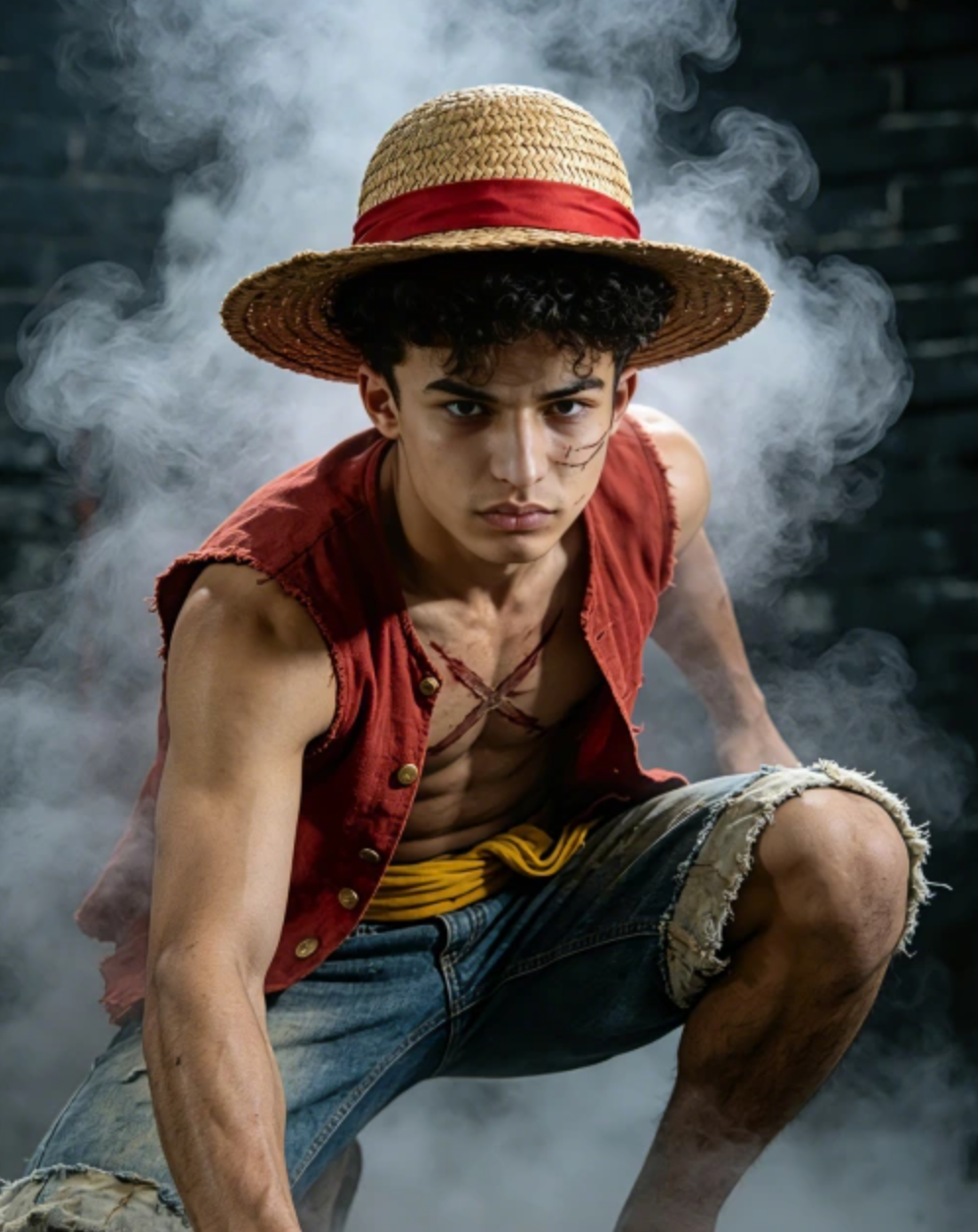
Game character face-swapping uses AI to replace a face in an image or video while retaining much of the original composition. It can be used to create alternative character portraits, funny gaming edits, or customized visuals for social media.
For example, you could rework a fantasy RPG screenshot into a fan-made poster or create a different version of a character portrait for a gaming thumbnail. The results depend on image quality, lighting, and how clearly the face appears.
Face-swapping is mainly useful for visual experimentation. It does not replace the detailed modeling and animation work required to create production-ready game assets.
Create Original Characters With an AI Character Generator
Sometimes, changing an existing character is not enough. You may want to create a completely new hero, villain, or NPC for a game concept.
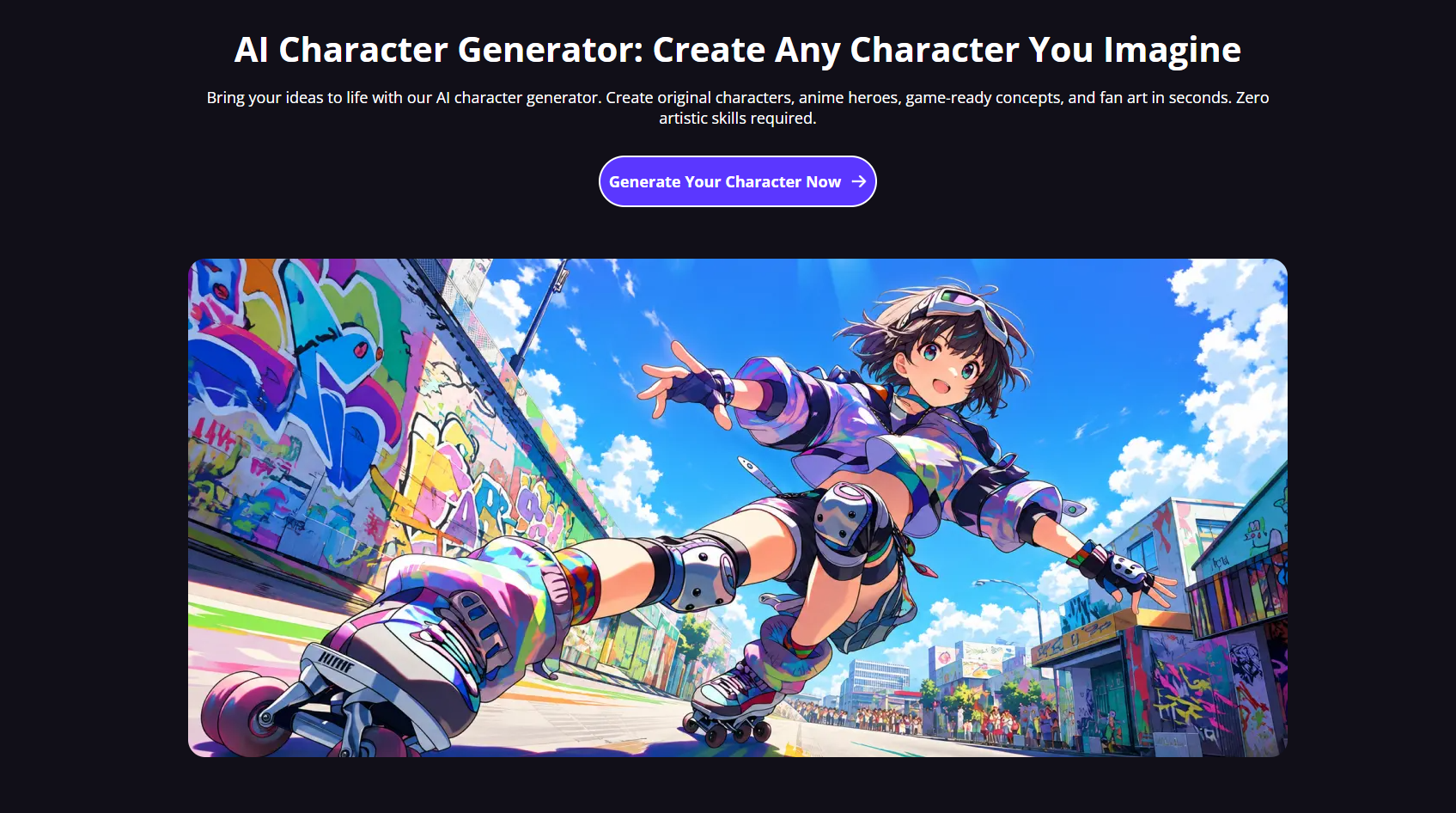
An AI character generator can turn a text description into a visual starting point. Describe a cyberpunk mercenary with neon armor, a fantasy mage with weathered robes, or a futuristic warrior carrying an energy blade, and the tool can generate an image based on your idea.
With DeepSwapFace’s AI Character Generator, creators can explore different character concepts without drawing every detail manually.
For better results, include a few specific details in your prompt:
– Appearance: Hairstyle, facial features, and overall silhouette.
– Outfit: Armor, clothing, weapons, and accessories.
– Art style: Anime, realistic fantasy, comic-book art, or stylized 3D.
– Setting: A medieval kingdom, futuristic city, or alien planet.
A detailed prompt gives the AI clearer direction and makes it easier to develop a character that matches your vision.
Use Image-to-Image Tools to Refine Character Designs
If you already have a sketch, portrait, or reference image, image-to-image generation can help you explore new versions without starting from a blank page.
You could transform a rough sci-fi character sketch into a polished illustration, experiment with different outfits, or reimagine a fantasy portrait in an anime style. This is particularly useful when you want to preserve the original concept while changing its appearance.
For more consistent results, use a clear reference image and specify which features should remain unchanged. AI may still alter small details, so review the output before using it in a finished project.
Generate Gaming Artwork From Text
Text-to-image tools let you create visuals by describing them in words. Beyond character portraits, they can help generate fictional game environments, concept art, item designs, and backgrounds for gaming videos.
For example, a prompt describing a ruined castle beneath a stormy sky can provide a starting point for fantasy artwork. A neon-lit city filled with futuristic vehicles might work better for a cyberpunk concept.
You do not need an overly complicated prompt. Start with the subject, setting, art style, and lighting, then adjust individual details until the image is closer to what you want.
Turn Character Images Into Short Videos

Static character artwork can also become a starting point for animated content. Image-to-video tools generate movement from a still image, making them useful for gaming edits, social media clips, and concept presentations.
A character portrait could become a short animated scene with subtle movement or a changing background. However, complex armor, facial details, and unusual poses may not remain consistent throughout the video, so check the finished result carefully.
Tips for Better AI Game Character Creations
A few simple practices can improve the results:
– Use clear references: Blurry images and obscured faces can make editing less reliable.
– Keep prompts focused: Describe the main visual elements instead of mixing too many unrelated ideas.
– Refine gradually: Change one or two details at a time to see what works.
– Check the final output: Look for distorted facial features, inconsistent accessories, and unnatural movement.
– Respect copyright and consent: Avoid presenting fan edits as official game artwork or using someone’s likeness without appropriate permission.
Final Thoughts
Game character face-swapping is a practical way to experiment with familiar characters, while AI character generators and image editing tools help turn new ideas into visual concepts. Text-to-image and image-to-video features extend those possibilities from static artwork to animated content.
Whether you’re creating gaming thumbnails, making fan art, or developing ideas for an original game, AI tools can help you explore different creative directions with less manual work.